Home / Releases
Releases and release notes
A release is every change that shipped in one export, and
exporting the .res is what makes it real.
Naming the release
The overview screen's Database name box and Rename button are the database's own name for itself — its flavor, up to 32 characters, shown in the window title and offered as the default file name whenever you save or export. Renaming takes effect immediately, is logged like any other edit, and a rename back to the name it already had logs nothing at all. Naming the release you are about to ship, then exporting, is what the release notes below mean by "what shipped under the new name".
The editor derives releases entirely from your own change log. There is
nothing to close, reopen, or tick a box about. Every time you export a
.res, that export closes a release: everything changed since
the previous export (or, for the first one, since you opened the database).
The always-open stretch after the most recent export — everything you have
done since, not yet shipped — is what the release-notes screen calls
unreleased.
Posting release notes
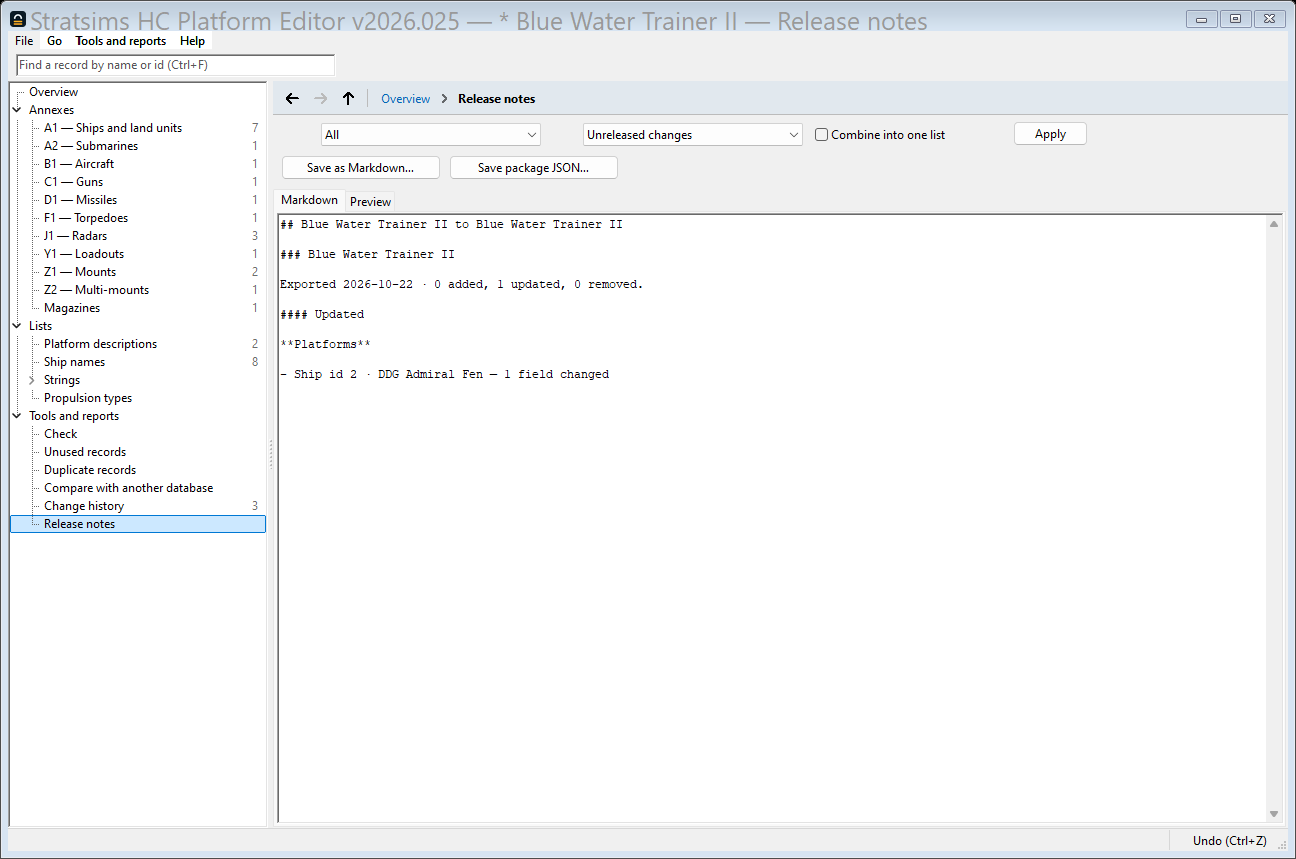
You will export far more often than you post about it, so the release-notes screen does not assume "the last release" is what you mean to publish. Its From and To pickers each name a release (oldest to newest, with the open, unreleased changes always last), and cover everything from the first through the last. Press Apply after changing either. The Preview tab, the Markdown tab and the file Save as Markdown… writes, and the record package you can hand someone (Save package JSON…) all follow that same range, so there is no way for them to disagree about what a post covers. A Combine into one list checkbox flattens more than one release's worth of changes into a single merged list instead of one section per release.
What a post looks like
Every line that names a record leads with its annex and id, then its name. For example:
Radar id 40960 · Type 346A SAPARSso another database author can go and find the record rather than search for a name two records might share. Added, Updated and Removed records are each grouped into Platforms, Weapons, Sensors and ECM and Mounts and loadouts, the order a reader already goes looking in, with anything that names no annex record, such as a standalone hull-name or text change, falling under Other.
An updated record says how many fields moved, "3 fields changed", rather than listing every value. The post is written for a reader who will go open the database if they want the numbers, not audit the diff from the forum. A component the release also touches, a mount, a radar, a loadout, names which changed platform it is for, but only among the platforms this same release changed: "for SSN Los Angeles" when it fits, not every platform that could ever mount that radar.
Records with no name of their own, the ones that would otherwise read as a bare id and tell a reader nothing, are left out of the post entirely. They still travel in the record package: an unnamed record is still a real record, and whoever imports the package still needs it. The post says how many were left out, so a missing name is a thing you notice and can fix, not a silent drop.
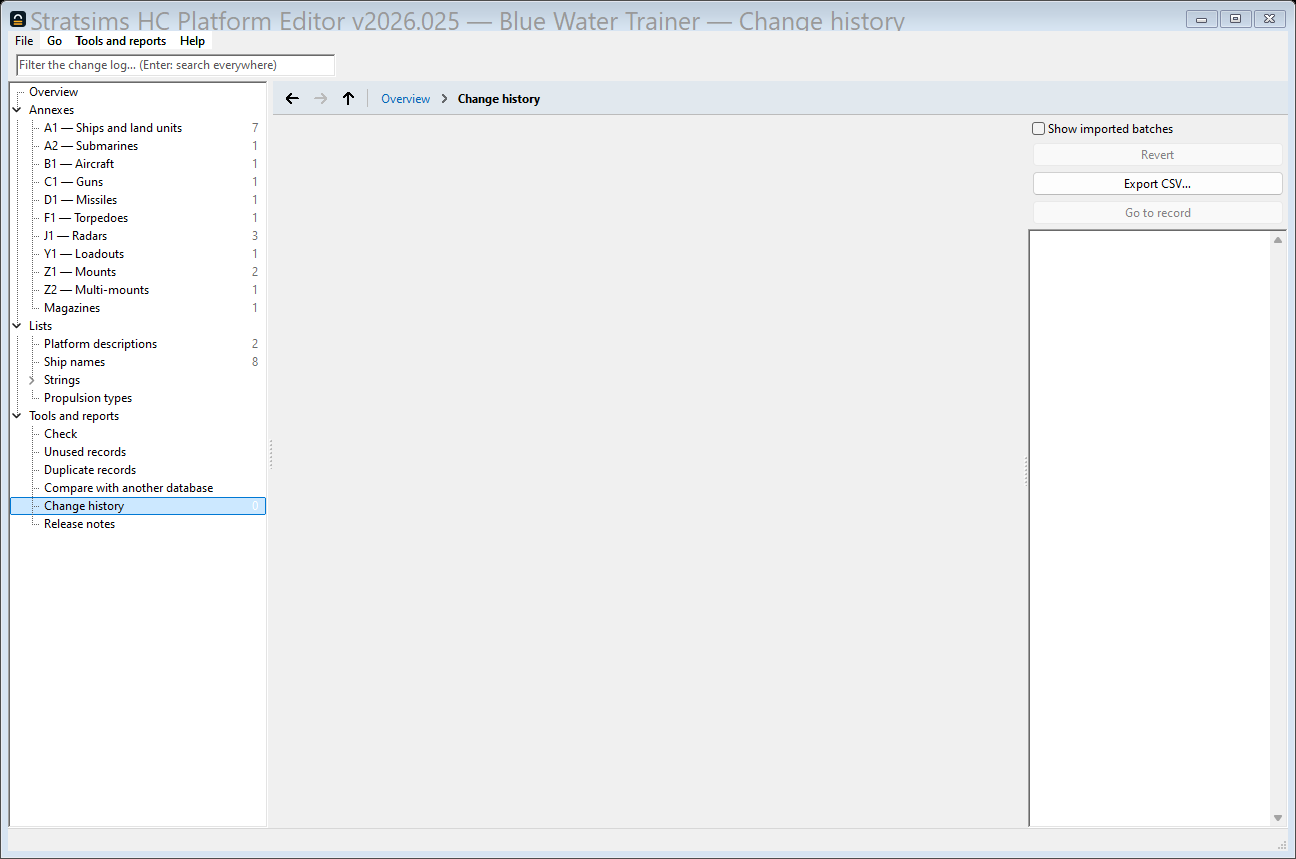
The raw change log underneath all of this is always there too, separate from any release: every edit, timestamped and attributed, whether or not it has ever shipped in a release.
A narrated clip of naming a release, exporting it, and reading the release notes that come out of it: